How to Auto-Refresh Stock Trading Pages at Custom Intervals
November 3, 2026 · 13 min read
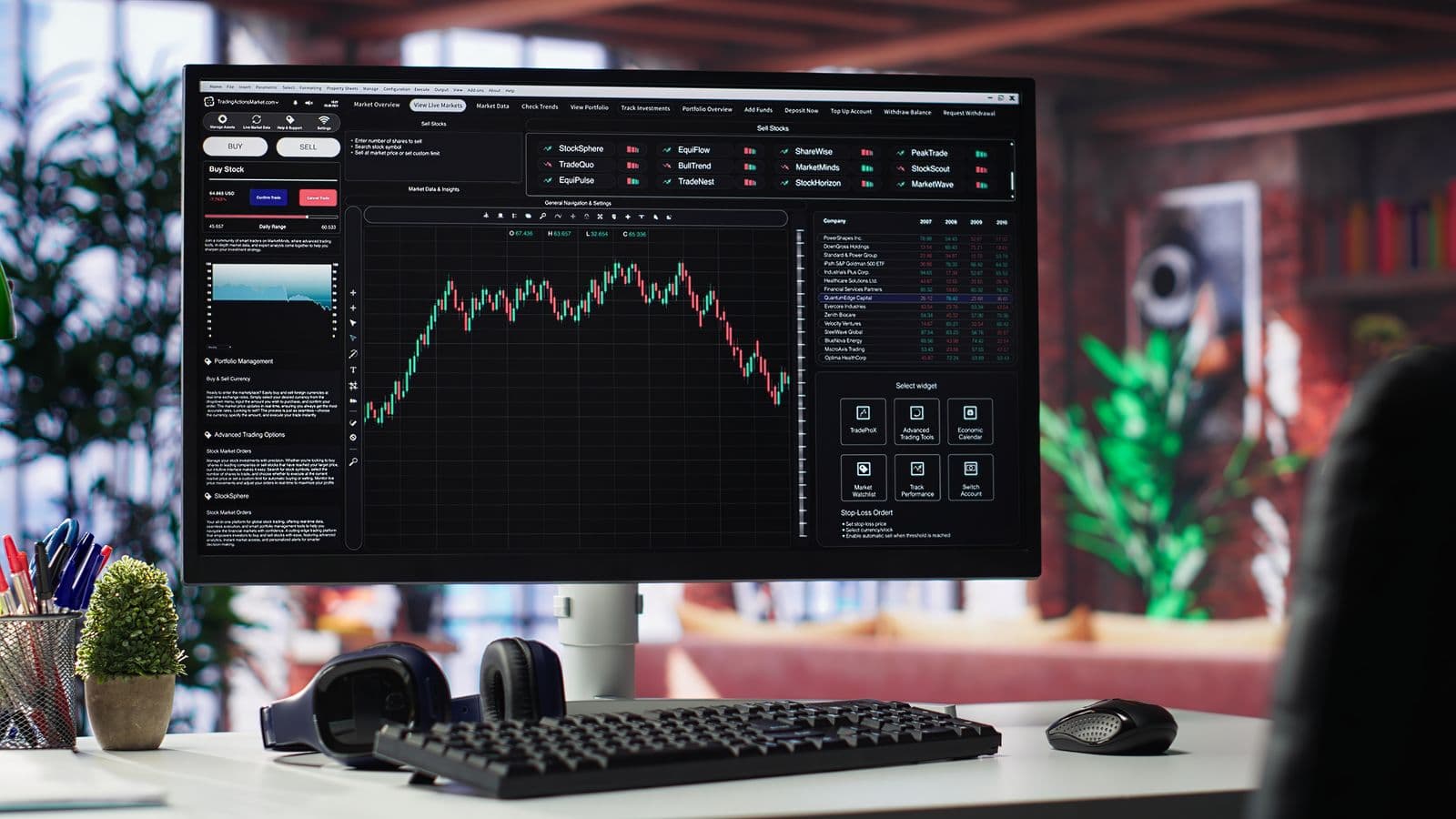
Stock trading websites display information that can change throughout the trading day. Stock prices, market summaries, trading volume, watchlists, and other market data may update frequently, but some pages do not refresh their displayed information automatically.
If you regularly check stock market websites, manually refreshing each page can become repetitive. You may need to reload a market dashboard, check a stock quote, or keep several trading-related pages updated while working in your browser.
Automatic page refreshing can help reduce these repetitive actions. By setting a custom refresh interval, you can reload selected webpages at a frequency that fits your browsing workflow.
This guide explains how to auto-refresh stock trading pages, configure custom intervals in Chrome, choose a suitable refresh frequency, troubleshoot common issues, and use RefreshPilot to make repeated webpage refreshing more convenient.
What Is Auto-Refreshing a Stock Trading Page?
Auto-refreshing is the process of automatically reloading a webpage after a specified amount of time.
Instead of clicking the browser’s refresh button repeatedly, you configure a refresh interval. The browser extension then attempts to reload the selected page according to that schedule.
For example, you might configure a stock market dashboard to refresh every 30 seconds or a market summary page to reload every few minutes.
The purpose is to keep the webpage updated without requiring you to manually reload it each time.
However, automatic refreshing does not necessarily make stock prices real-time. The webpage may display information from a delayed data feed, cached response, or provider-defined update schedule. Reloading the page cannot make the underlying market data more current than the source provides.
Why Auto-Refresh Stock Trading Pages?
Stock market websites can contain several types of information, including price quotes, market indexes, trading volume, company news, and portfolio summaries.
Depending on the website, some information updates automatically while other sections require a page reload.
Auto-refreshing can help with the following tasks.
Reduce Manual Refreshing
If you regularly reload the same stock market webpage, automatic refreshing can reduce repetitive clicks.
You can leave the page open and allow the browser to attempt reloads at your selected interval.
Keep Market Dashboards Updated
Some market dashboards display information that changes throughout the day.
Refreshing a dashboard periodically can help you view the latest information available from the website when its content requires a reload.
Manage Multiple Trading-Related Pages
You may use separate webpages for stock quotes, market indexes, company announcements, and financial news.
A browser extension that supports individual tab settings can help you configure different refresh intervals for different pages.
Create a Consistent Browsing Routine
Custom intervals allow you to choose a refresh schedule that matches the purpose of each webpage.
A market summary may need less frequent refreshing than a dashboard you actively monitor.
The appropriate interval depends on the website, the information displayed, and your browsing requirements.
Does Stock Trading Information Update Automatically?
Not every stock trading webpage behaves the same way.
Some websites use live connections or background scripts to update prices without reloading the page. Others update only selected sections, while some require a full page reload to display newer information.
Before setting up automatic refreshing, identify how the website updates its content.
Pages That Update Automatically
Some trading platforms use technologies such as WebSockets, server-sent events, or periodic background requests to update market information.
On these pages, prices and other data may change without a full browser refresh.
Repeatedly reloading the page may not be necessary and could interrupt the information currently displayed.
Pages That Require Reloading
Some financial websites display market information that updates only when the page is reloaded.
For these pages, automatic refreshing may help you view the latest information returned by the website.
However, the displayed information can still be delayed or cached.
Pages With Mixed Update Behavior
A webpage may update its stock prices automatically while leaving news headlines, summaries, or other sections unchanged until the page reloads.
In this situation, automatic refreshing may update the page, but it could also interrupt the current interface or reset certain elements.
Testing the webpage helps you determine whether refreshing improves your experience.
How to Auto-Refresh Stock Trading Pages in Google Chrome
Google Chrome does not provide a general built-in setting for automatically refreshing any webpage at a custom interval.
You can use a browser extension designed for automatic page refreshing.
The following steps explain a typical setup using a Chrome refresh extension.
Step 1: Open Your Stock Trading Website
Open Google Chrome and navigate to the stock trading webpage you want to refresh.
This could be a market dashboard, stock quote page, financial news website, or another publicly accessible trading-related webpage.
Make sure you select the specific page you want to keep updated.
Step 2: Install an Auto-Refresh Extension
Choose a Chrome extension that supports automatic webpage refreshing and custom intervals.
Review the extension’s features, permissions, compatibility, and available settings before installing it.
RefreshPilot is one option for browser-based automatic refreshing and webpage monitoring workflows.
You can find RefreshPilot through its official website: [RefreshPilot](https://refreshpilot.com/)
Step 3: Open the Extension
After installation, open the extension from Chrome’s toolbar or extensions menu.
Depending on the extension, you may need to pin it to the toolbar for easier access.
Select the stock trading tab you want to configure.
Step 4: Choose a Custom Refresh Interval
Select how frequently the webpage should reload.
For example, you might choose:
- 30 seconds for a page you want to reload frequently
- 1 minute for a general market dashboard
- 5 minutes for a market summary or financial news page
These are example intervals, not recommendations for trading decisions.
The appropriate setting depends on how the website updates its content and whether repeated reloads are permitted.
Step 5: Start Automatic Refreshing
Activate the refresh schedule using the extension’s available controls.
The extension should attempt to reload the selected webpage according to its configured interval.
Check that the correct tab is selected and that the refresh schedule is active.
Step 6: Verify the Page Behavior
Observe the webpage after a few refresh cycles.
Confirm that the page reloads as expected and that important interface elements remain usable.
If the page already updates automatically, compare its behavior with and without the refresh schedule.
You may find that a longer interval or no automatic refreshing is more appropriate for that website.
How to Set Custom Refresh Intervals for Stock Pages
Custom refresh intervals allow you to control how frequently a webpage reloads.
The best interval is not necessarily the shortest one. It should match the behavior of the webpage and the purpose of your monitoring.
Refresh Every 15 Seconds
A 15-second interval is a relatively frequent reload schedule.
It may be suitable for testing a page that requires frequent manual updates, provided the website permits this behavior.
However, repeated requests can increase browser activity and website load. Some websites may limit requests or temporarily block access when they detect excessive activity.
Use short intervals carefully and avoid treating them as a way to obtain faster market data.
Refresh Every 30 Seconds
A 30-second interval can be useful when you want a webpage to reload frequently without setting an extremely short schedule.
For example, you might use it for a market overview page that does not update its displayed content automatically.
Whether this interval is appropriate depends on the site’s update behavior and request restrictions.
Refresh Every 1 Minute
A one-minute interval is a practical starting point for testing many general-purpose webpages.
It allows the page to reload periodically without creating as many repeated requests as a very short interval.
For a stock trading webpage, first confirm that the information actually changes after a reload.
Refresh Every 5 Minutes
A five-minute interval may be suitable for pages that update less frequently.
Examples include market summaries, financial news pages, or general company information.
If the page already updates automatically, a periodic reload may offer little additional value.
Refresh at a Longer Custom Interval
Some pages do not need frequent refreshing.
You might configure a longer interval for a financial report, company profile, or market overview that changes occasionally.
The goal is to avoid unnecessary reloads while keeping the page reasonably current.
Example Refresh Interval Setup
The following examples show how different refresh intervals might fit different webpage purposes.
| Webpage | Example interval |
|---|---|
| General market dashboard | 1 minute |
| Financial news page | 5 minutes |
| Market summary | 5 minutes |
| Frequently changing public quote page | 30 seconds |
| Company information page | 15 minutes |
These are illustrative browser settings, not trading recommendations or guarantees of data freshness.
Always consider the website’s own update frequency, terms, and request limits.
How to Auto-Refresh Multiple Stock Trading Tabs
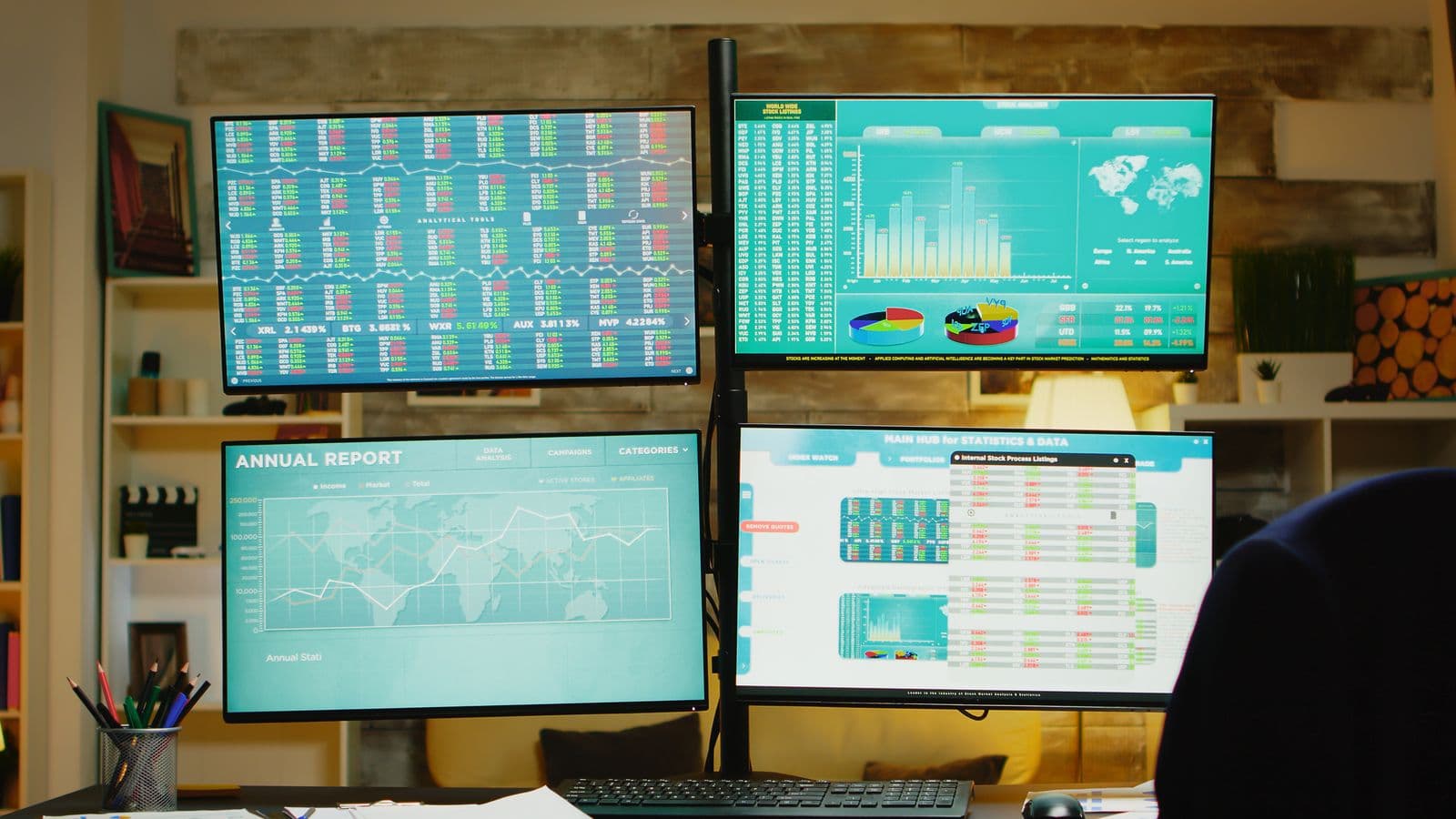
If you monitor several financial webpages, configuring each tab separately can help you avoid using one refresh schedule for every page.
For example, you may have:
- A stock market dashboard
- A company quote page
- A financial news webpage
- A market index page
Each page may have a different update behavior.
Step 1: Open the Required Pages
Open the financial webpages you regularly use in separate Chrome tabs.
Confirm that each page loads correctly before configuring automatic refreshing.
Step 2: Select the Tab You Want to Configure
Choose the tab that needs automatic refreshing.
Use the extension’s controls to configure that specific webpage.
If the extension supports per-tab settings, you can assign different intervals to different pages.
Step 3: Configure Each Interval Separately
Set the interval according to the webpage’s purpose.
For example, a general dashboard might use a one-minute interval, while a financial news page might use five minutes.
Avoid applying the same short interval to every tab without checking whether it is necessary.
Step 4: Check the Active Refresh Schedules
Review the configured tabs and confirm that each schedule is active.
If a page stops refreshing, check whether the tab is still open, whether the extension is enabled, and whether the browser is limiting background activity.
How RefreshPilot Can Help Auto-Refresh Stock Trading Pages
RefreshPilot is a browser extension designed to make webpage refreshing and monitoring workflows more convenient in supported Chromium-based browsers.
For users who repeatedly reload stock trading webpages, it can help organize automatic refreshing without relying on manual browser clicks.
Configure Automatic Page Refreshing
RefreshPilot can be used for automatic webpage refreshing workflows.
You can configure the relevant page and choose a suitable refresh interval using the available controls.
This can be useful for webpages that require a reload to display updated content.
Manage Repeated Browser Tasks
If you regularly revisit the same financial webpage, automatic refreshing can reduce the need to manually reload it.
The benefit is mainly convenience. It does not change the market data provider’s update schedule or guarantee that a webpage contains the latest available prices.
Use Webpage Monitoring Where Appropriate
RefreshPilot also supports webpage monitoring workflows.
Depending on the supported feature and page behavior, monitoring can help identify selected content changes or keywords.
For example, you may want to monitor a financial webpage for a particular announcement or phrase.
Monitoring results depend on the webpage’s accessibility and the selected configuration.
Keep Your Workflow Flexible
Different webpages may require different settings.
A page that updates automatically may not need frequent reloads, while another page may require periodic refreshing.
Using the appropriate configuration for each page can help reduce unnecessary browser activity.
Important Things to Know Before Auto-Refreshing Trading Pages
Automatic refreshing is a browser convenience feature. It should not be treated as a trading system or a source of guaranteed real-time market information.
Refreshing Does Not Guarantee Real-Time Prices
A webpage reload requests updated content from the website.
The website may still return delayed prices, cached information, or data that updates according to its own schedule.
If market data timing matters, check the data provider’s information about delays and update frequency.
Refreshing May Interrupt Your Session
Some trading-related pages contain interactive elements, forms, filters, or session-specific information.
Reloading may reset those elements or require you to sign in again.
Avoid automatic refreshing on pages where a reload could interrupt an important action.
Background Tabs May Behave Differently
Browsers can limit activity in background tabs to conserve resources.
As a result, a refresh schedule may not run with the same timing when a tab is inactive, the browser is minimized, or the computer is under resource pressure.
The actual behavior depends on browser policies and extension implementation.
Websites May Limit Repeated Requests
Some websites apply rate limits or other restrictions to repeated requests.
Frequent refreshing can increase traffic and may cause a website to temporarily restrict access.
Use reasonable intervals and follow the website’s terms and policies.
Automatic Refreshing Does Not Place Trades
A page-refresh extension reloads webpages.
It does not automatically make trading decisions, submit orders, or guarantee execution.
Keep trading actions under your direct control and use the financial platform’s official features for transactions.
Common Auto-Refresh Problems and Solutions
The Stock Page Does Not Refresh
If the page does not reload, check whether the refresh schedule is enabled and whether the correct tab is selected.
Confirm that the extension is installed and permitted to run on the webpage.
Also check whether the browser is limiting activity in the background.
The Page Refreshes but the Price Does Not Change
A reload does not guarantee that the displayed price will change.
The data provider may not have published a new value, or the page may use cached information.
Check the source’s update timing and whether the page uses a live data connection.
The Page Keeps Logging Out
Some websites use session controls that can be affected by repeated reloads.
If refreshing interrupts your session, reduce the frequency or disable automatic refreshing on that page.
For account-sensitive pages, use the platform’s own update features whenever possible.
The Extension Stops Working in the Background
Background tab throttling or browser resource management may affect refresh timing.
Keep the page active while testing and compare its behavior with the tab in the background.
If the timing changes, review the browser’s current behavior and the extension’s supported options.
Too Many Requests Are Being Sent
If the website responds with errors or access restrictions, stop the repeated refresh schedule.
Increase the interval or disable refreshing while you review the website’s policies.
Do not attempt to bypass a site’s rate limits or access restrictions.
Best Practices for Auto-Refreshing Stock Trading Pages
Start With a Reasonable Interval
Begin with a longer interval and observe how the page behaves.
Shorten the interval only if repeated refreshing is necessary and permitted by the website.
Check Whether the Page Updates Automatically
If prices and other information update without a reload, a refresh extension may not be needed.
Use the webpage’s own update behavior when it provides the information you need.
Avoid Refreshing During Important Actions
Do not automatically reload a page while entering information, reviewing an order, or completing a transaction.
A refresh could interrupt the process or reset the interface.
Use Separate Settings for Different Pages
Configure each webpage according to its purpose.
A market dashboard, news page, and company profile may have different refresh requirements.
Verify Information Before Acting
Always confirm important market information directly through the financial platform or a trusted data provider.
A browser refresh should not replace your normal verification process.
Review Your Setup Regularly
Websites can change their page structure, update behavior, or access policies.
Check that your refresh schedule remains appropriate and that the webpage continues to work as expected.
Final Thoughts
Auto-refreshing stock trading webpages can make repeated browser tasks more convenient. Instead of manually reloading the same page, you can configure a custom interval and allow the browser extension to attempt periodic refreshes.
The most important step is understanding how the webpage updates its information. Some financial pages refresh their data automatically, while others require a full reload. Choosing the right interval can help avoid unnecessary requests and interruptions.
RefreshPilot can help simplify automatic webpage refreshing and supported monitoring workflows in your browser. Configure each page according to its purpose, test the behavior, and use reasonable refresh intervals.
Remember that automatic refreshing does not guarantee real-time market data, prevent session interruptions, or make trading decisions. Always verify important information through your financial platform or trusted data provider before acting.
Frequently Asked Questions
How do I auto-refresh a stock trading page in Chrome?
Install a compatible auto-refresh extension, open the stock trading webpage, select the tab, configure a custom interval, and activate the schedule. Test the page to confirm that it reloads correctly.
Can I refresh a stock webpage every 30 seconds?
Some extensions allow custom intervals such as 30 seconds. Whether you should use that frequency depends on the webpage, its update behavior, and any request limits or policies.
Does auto-refresh provide real-time stock prices?
No. Auto-refresh reloads the webpage, but the information depends on the data provider. The page may display delayed or cached market data.
Can I auto-refresh multiple stock trading tabs?
Some browser extensions support refreshing individual tabs. If supported, you can configure different intervals for different webpages.
Will auto-refresh work when Chrome is minimized?
It may, but browser background activity restrictions can affect timing. The behavior depends on Chrome, the extension, system resources, and the webpage.
Can automatic refreshing interrupt a trading session?
Yes. Reloading may reset page elements, interrupt forms, or affect a session. Avoid refreshing pages while completing important actions.
Is RefreshPilot useful for stock trading webpages?
RefreshPilot can help with automatic webpage refreshing and supported monitoring workflows. It is a browser productivity tool, not a financial data provider or trading platform.
Can auto-refresh bypass a website’s rate limits?
No. Automatic refreshing should not be used to bypass rate limits or access restrictions. Follow the website’s policies and use reasonable intervals.
What is the best refresh interval for stock pages?
There is no universal best interval. Choose a frequency based on how the page updates, how often you need to reload it, and the website’s restrictions.
Stop checking. Start monitoring.
RefreshPilot combines Chrome auto refresh, page monitoring, keyword detection, notifications, and browser automation in one extension.